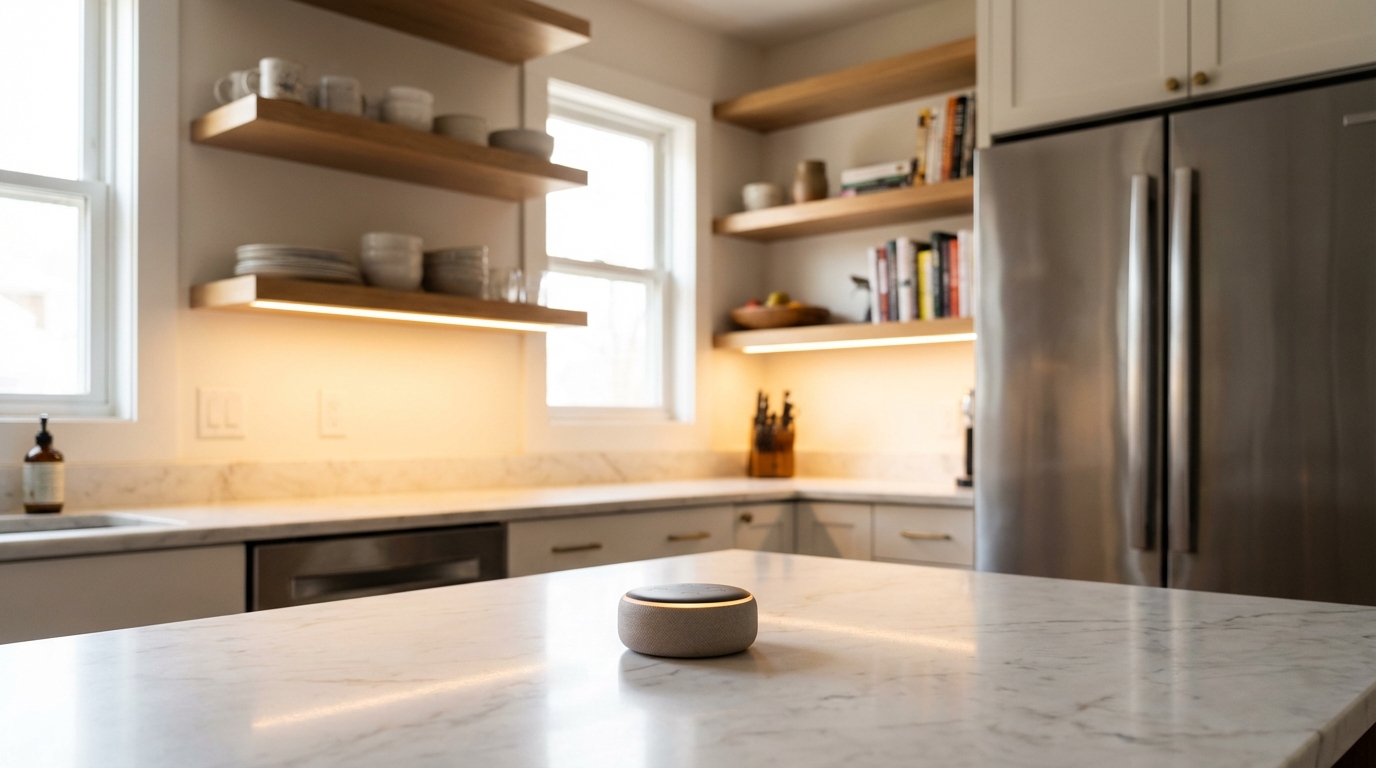
Why Voice Control Is the Heart of Every Smart Home
Voice control has become the most natural way to interact with your smart home. Instead of fumbling with apps or tapping buttons, you simply speak — and your home responds. Whether it’s dimming the lights for movie night, checking who’s at the front door, or setting a morning alarm, voice assistants make every interaction effortless.
This guide walks you through everything you need to set up voice control in your smart home, from choosing the right ecosystem to configuring multi-room audio and advanced routines.
Choosing Your Voice Assistant Ecosystem
The first and most important decision is picking your voice assistant platform. The three major players each have distinct strengths, and your choice will shape your entire smart home experience.
Amazon Alexa — Best for Smart Home Compatibility
Alexa works with more smart home devices than any other platform. With tens of thousands of compatible products and a massive library of third-party “Skills,” it’s the safest bet if you want maximum flexibility. Alexa also excels at routines — automated sequences triggered by voice commands, time of day, or sensor events.
Google Assistant — Best for Natural Conversations
Google Assistant understands natural language better than any competitor. You can ask follow-up questions without repeating context, and it draws on Google’s knowledge graph for the most accurate answers. It also integrates seamlessly with Google services like Calendar, Maps, and YouTube.
Apple Siri (HomeKit) — Best for Privacy and Apple Users
If you’re deep in the Apple ecosystem with iPhones, iPads, and Macs, Siri and HomeKit offer the most seamless experience. Apple processes most voice commands on-device for superior privacy, and HomeKit’s strict certification means every compatible device meets high security standards.
Best Voice Control Devices for 2026
Best Budget Voice Speaker: Amazon Echo Dot (5th Gen)
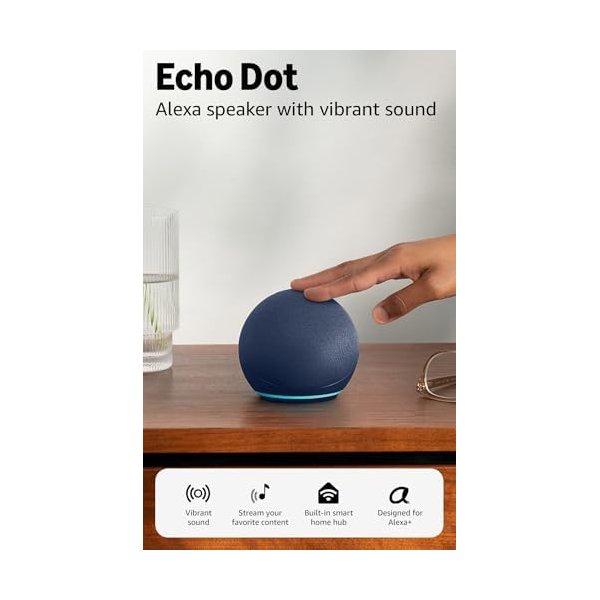
The Echo Dot is the most affordable way to add Alexa voice control to any room. Despite its compact size, the 5th generation model delivers surprisingly rich audio and doubles as a smart home hub with built-in Zigbee and Matter support.
Key Features:
- Built-in Alexa with improved natural language understanding
- Eero mesh Wi-Fi extender built in
- Temperature sensor for triggering automations
- Zigbee and Matter hub for direct device control
- Multi-room music and whole-home intercom
Best Google Voice Speaker: Google Audio Bluetooth Speaker
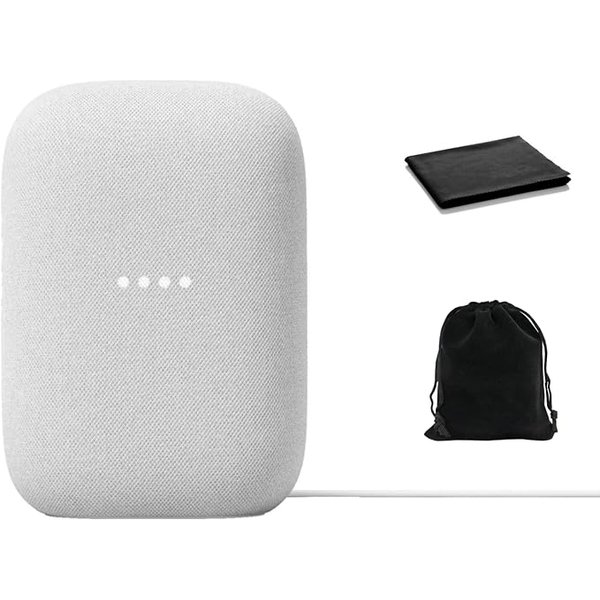
Google’s latest smart speaker combines powerful audio with the intelligence of Google Assistant. With Wi-Fi and Bluetooth connectivity, stereo pairing capability, and seamless integration with Google’s ecosystem, it’s the ideal voice hub for Google-centric households.
Key Features:
- Google Assistant built-in for natural voice conversations
- Powerful sound with deep bass in a compact form
- Wi-Fi and Bluetooth dual connectivity
- Stereo pairing for immersive audio
- Seamless Chromecast and Google Home integration
Best Apple Voice Speaker: Apple HomePod mini
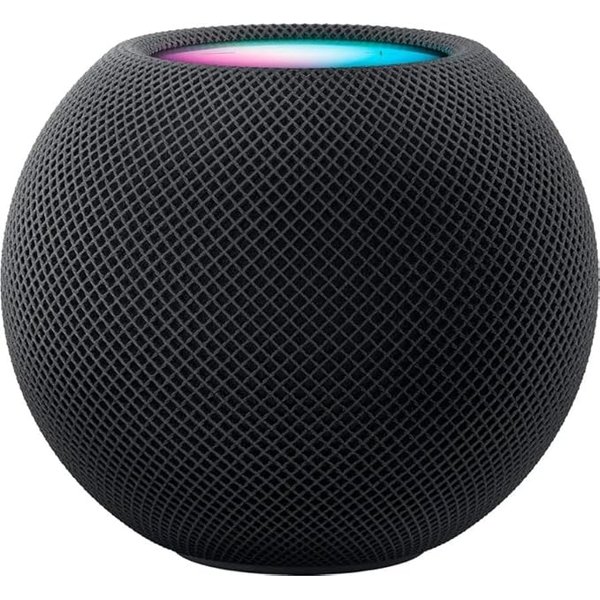
The HomePod mini is Apple’s compact smart speaker that brings Siri voice control and HomeKit hub functionality to every room. Its computational audio delivers impressive 360-degree sound from a tiny package, and it doubles as a Thread border router and Matter controller for your smart home.
Key Features:
- Siri voice control with on-device processing for privacy
- Computational audio with 360-degree sound
- HomeKit and Matter hub built in
- Thread border router for low-latency smart home control
- Intercom feature across all Apple devices
Best Smart Display: Amazon Echo Show 8
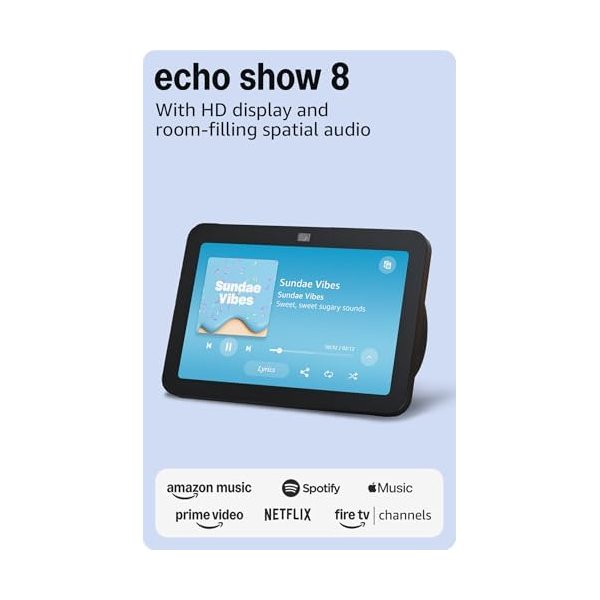
A smart display takes voice control to the next level by adding a visual interface. The Echo Show 8 lets you see your doorbell camera feed, watch video recipes, make video calls, and control your smart home with touch or voice. Its spatial audio and adaptive display make it perfect for the kitchen or bedroom.
Key Features:
- 8-inch HD adaptive touchscreen display
- Spatial audio with room-adapting technology
- Built-in 13MP camera for video calls
- Smart home dashboard with visual device controls
- Works as a Zigbee, Matter, and Thread hub
Voice Assistant Comparison Table
| Feature | Amazon Alexa | Google Assistant | Apple Siri |
|---|---|---|---|
| Device Compatibility | Best (100K+ devices) | Great (50K+ devices) | Good (HomeKit/Matter) |
| Natural Language | Good | Best | Good |
| Privacy | Good | Good | Best (on-device) |
| Routines/Automations | Best | Great | Good |
| Music Services | Most supported | YouTube Music native | Apple Music native |
| Smart Home Hub | Zigbee, Matter, Thread | Matter, Thread | HomeKit, Matter, Thread |
| Entry Price | $49.99 (Echo Dot) | $99.99 (Audio Speaker) | $109.72 (HomePod mini) |
Setting Up Voice Control: Step-by-Step
Step 1: Place Your Smart Speaker Strategically
Position your speaker in a central location at ear height when possible. Keep it away from walls and corners for the best microphone pickup, and at least a foot from windows to reduce outside noise interference. For whole-home coverage, start with the room you spend the most time in.
Step 2: Connect Your Smart Home Devices
Open your voice assistant’s app (Alexa, Google Home, or Apple Home) and add your smart devices. Most modern devices are discovered automatically. Group devices by room — this lets you say “turn off the bedroom lights” instead of naming each bulb individually.
Step 3: Create Voice Routines
Routines are where voice control truly shines. Here are some essential routines to set up first:
- “Good morning” — Turn on lights, read the weather and calendar, start the coffee maker
- “Good night” — Turn off all lights, lock the door, set the thermostat to sleep mode
- “Movie time” — Dim the living room lights, turn on the TV, close the blinds
- “I’m leaving” — Turn off everything, arm the security system, adjust the thermostat
Step 4: Set Up Multi-Room Audio
If you have speakers in multiple rooms, create speaker groups for synchronized music playback. You can also use the intercom or “broadcast” feature to send voice messages to every room — perfect for calling the family to dinner.
Step 5: Fine-Tune Privacy Settings
All three platforms let you review and delete your voice history. Take a few minutes to configure privacy settings in your assistant’s app — you can disable always-listening, set automatic deletion periods, and opt out of voice recording reviews.
Advanced Voice Control Tips
- Use specific room names — “Turn on the kitchen light” is more reliable than “turn on the light”
- Create device groups — Group “all lights” or “downstairs” for broader commands
- Set up voice profiles — Multiple users get personalized responses and calendar access
- Use follow-up mode — Chain commands without repeating the wake word
- Explore IFTTT integrations — Connect your voice assistant to hundreds of additional services
Frequently Asked Questions
Can I use multiple voice assistants in the same home?
Yes, many people use Alexa in common areas and Siri in personal spaces, for example. Most smart home devices work with multiple assistants, so you’re not locked into just one. The main downside is managing routines across separate apps.
Do smart speakers listen to everything I say?
Smart speakers only process audio after hearing their wake word (“Alexa,” “Hey Google,” or “Hey Siri”). You can mute the microphone with a physical button, review and delete recordings, and adjust privacy settings in each assistant’s app.
What internet speed do I need for voice control?
Voice commands use very little bandwidth — about 1 Mbps per device is plenty. Even a basic internet plan handles voice control without issues. Streaming music or video calls require more bandwidth, but 25 Mbps is sufficient for most smart homes.
Will voice control work if my internet goes down?
Most voice commands require an internet connection since processing happens in the cloud. However, some newer devices (especially Apple’s) can handle basic commands locally. Matter-compatible devices can still be controlled through their dedicated apps during outages.
Which voice assistant works best with Matter devices?
All three major assistants support Matter, but Apple HomeKit and Amazon Alexa currently have the most mature implementations. Google Home is catching up quickly. The beauty of Matter is that any certified device works with any assistant, so your choice of speaker doesn’t limit your device options.