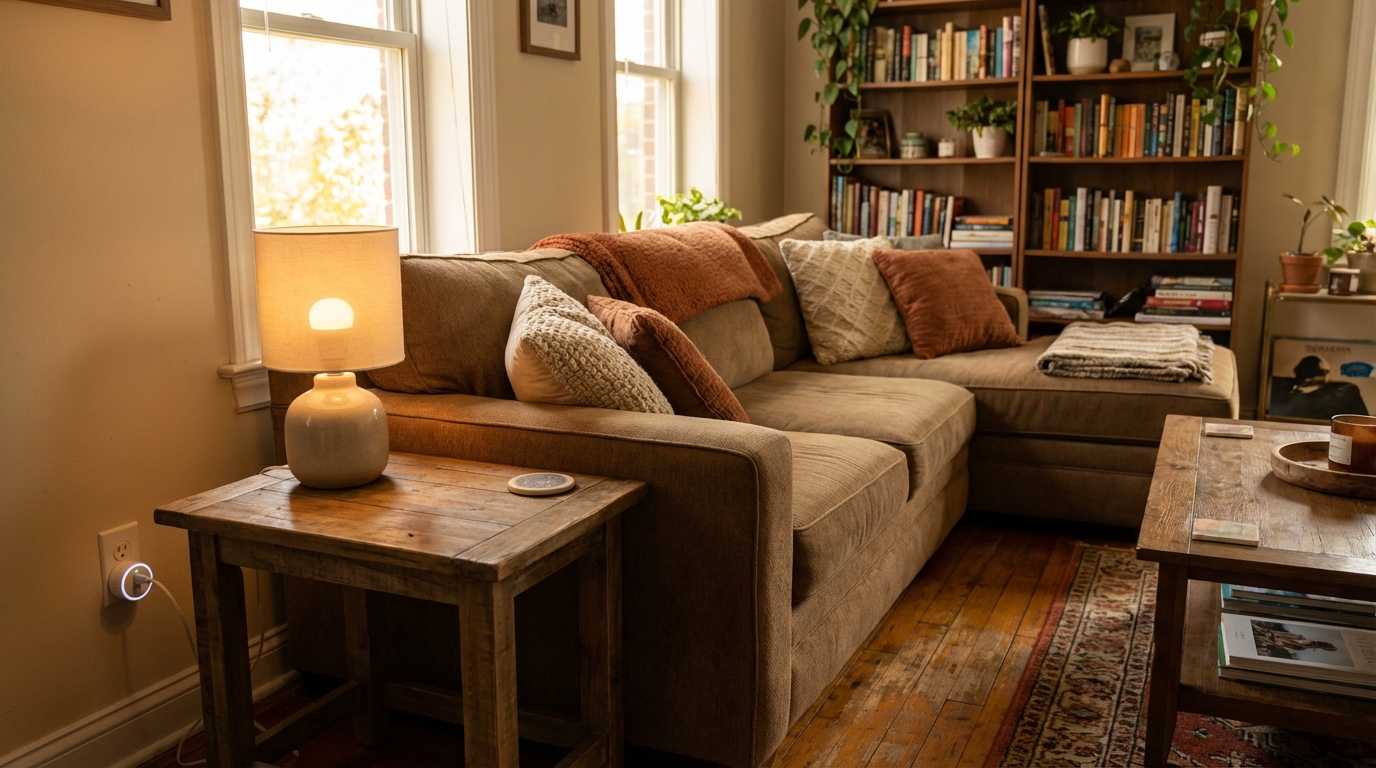
Can You Really Build a Smart Home in a Rental?
The short answer: absolutely. The days of smart home tech requiring drilling holes, running wires, and replacing fixtures are long gone. Today’s best smart home devices are designed to be wireless, portable, and completely reversible — perfect for apartment living.
Whether you’re in a studio apartment or a rented house, this guide covers the best renter-friendly smart home products that won’t damage walls, void your lease, or cost your security deposit. Every product we recommend can be set up in minutes and taken with you when you move.
What Makes a Smart Home Device “Renter-Friendly”?
Before diving into our top picks, here’s what qualifies a device as renter-friendly:
- No hardwiring required — Plugs into existing outlets or runs on batteries
- No drilling or permanent mounting — Uses adhesive strips, stands, or simply sits on a surface
- Easy removal — Takes less than 5 minutes to uninstall with zero wall damage
- Portable — Moves with you to your next apartment
- No landlord permission needed — Doesn’t modify any existing systems
Best Smart Home Devices for Renters
Best Smart Speaker: Amazon Echo Dot (5th Gen)
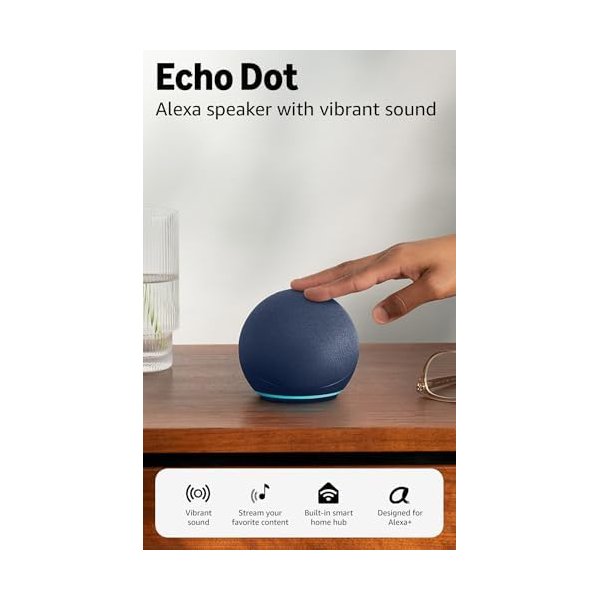
The Echo Dot is the perfect starting point for any renter’s smart home. It’s compact, affordable, and serves as the central hub for controlling all your other smart devices with just your voice. The 5th generation model delivers improved bass and clearer audio compared to its predecessor.
Key Features:
- Built-in Alexa voice assistant for hands-free control
- Works as a smart home hub for Zigbee and Matter devices
- Compact spherical design fits on any nightstand or shelf
- Improved audio with deeper bass and clearer vocals
- Temperature sensor for smart home automations
Why it’s great for renters: Just plug it into any outlet and you’re ready to go. No installation, no mounting, no modifications. Move it from room to room or take it to your next apartment effortlessly.
Best Smart Plugs: Kasa Smart Plug HS103P4 (4-Pack)
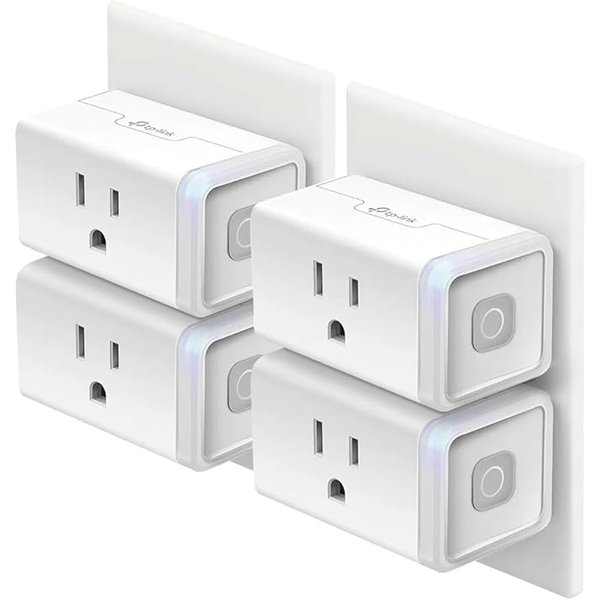
Smart plugs are the easiest and most affordable way to make any apartment smarter. The Kasa HS103P4 four-pack lets you turn any “dumb” device — lamps, fans, coffee makers, space heaters — into a smart device you can control from your phone or with voice commands.
Key Features:
- Control any plugged-in device from the Kasa app
- Works with Alexa, Google Home, and IFTTT
- Set schedules, timers, and countdown timers
- Compact design won’t block the second outlet
- No hub required — connects directly to your Wi-Fi
Why it’s great for renters: Plugs directly into your existing wall outlets with zero modification. Perfect for automating lamps on timers so it looks like you’re home, or scheduling your coffee maker to start brewing before your alarm goes off.
Best Smart Lighting: Philips Hue Essential Starter Kit
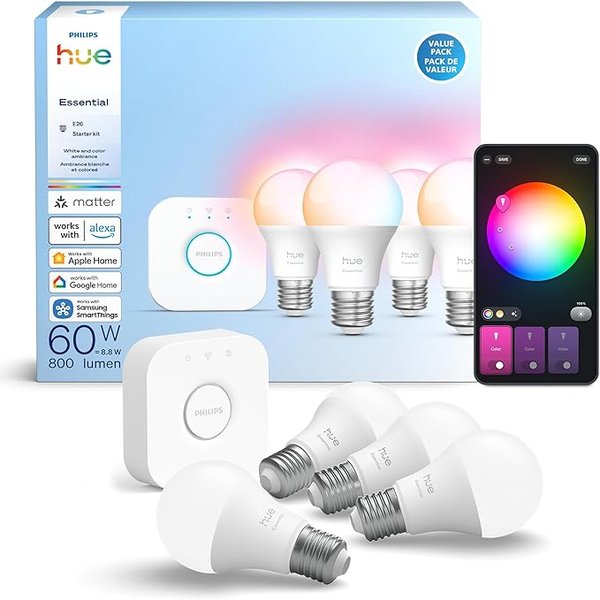
Smart bulbs are the ultimate renter-friendly upgrade because they screw into your existing light fixtures just like regular bulbs. The Philips Hue Essential Starter Kit includes four color-ambiance bulbs and the Hue Bridge, giving you complete control over your apartment’s lighting mood.
Key Features:
- 4 E26 smart bulbs with full white and color ambiance (2200K–6500K)
- Hue Bridge included for reliable Zigbee connectivity
- 16 million colors plus warm-to-cool white tuning
- Works with Alexa, Google, Apple HomeKit, and SmartThings
- Set scenes, schedules, and wake-up routines in the Hue app
Why it’s great for renters: Simply swap out your existing bulbs — keep the originals in a drawer and swap them back when you move out. The Hue Bridge plugs into your router, and the entire setup takes about 10 minutes with zero tools required.
Best Smart Doorbell: Ring Battery Doorbell
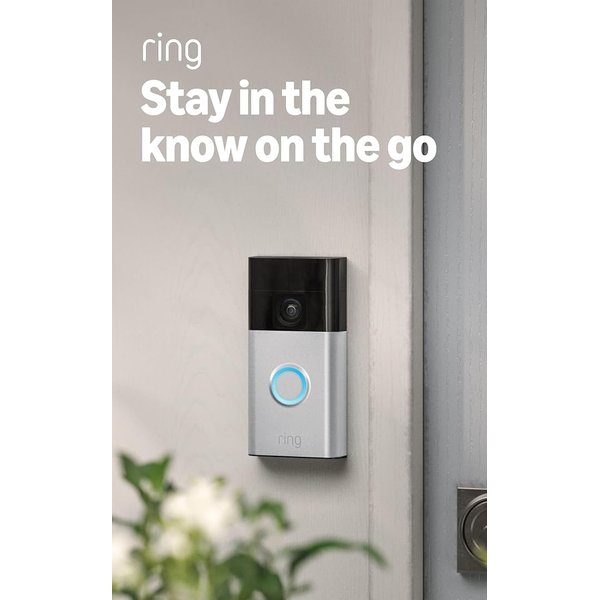
Security is a top concern for renters, and the Ring Battery Doorbell delivers peace of mind without any hardwiring. Its rechargeable battery means you can mount it with the included adhesive bracket — no drilling into your landlord’s door frame required.
Key Features:
- Head-to-Toe HD+ video with improved color night vision
- Two-way talk with noise cancellation
- Motion detection with customizable zones and alerts
- Rechargeable battery lasts 6–12 months on a single charge
- Works with Alexa for announcements and live view on Echo Show
Why it’s great for renters: The battery-powered design and optional adhesive mount mean zero drilling. You can stick it right next to your front door and remove it cleanly when your lease is up. Some landlords actually prefer tenants to have these for added property security.
Quick Comparison: Best Smart Home Devices for Renters
| Product | Category | Price | Installation | Hub Required? |
|---|---|---|---|---|
| Amazon Echo Dot (5th Gen) | Smart Speaker | $49.99 | Plug in | No |
| Kasa Smart Plug 4-Pack | Smart Plugs | $26.99 | Plug in | No |
| Philips Hue Starter Kit | Smart Lighting | $99.99 | Swap bulbs | Included |
| Ring Battery Doorbell | Smart Doorbell | $99.99 | Adhesive mount | No |
Renter’s Smart Home Setup Guide: Step by Step
Step 1: Start With a Smart Speaker
Your smart speaker is the brain of your renter-friendly smart home. The Echo Dot connects to your Wi-Fi and lets you control everything with your voice. Place it in a central location — the living room or kitchen work best for voice range.
Step 2: Add Smart Plugs to Key Devices
Start with the devices you use most: living room lamps, bedroom fans, kitchen coffee makers. Smart plugs are the quickest win because they instantly add scheduling and voice control to devices you already own.
Step 3: Upgrade Your Lighting
Swap out the bulbs in your most-used rooms first. Smart bulbs create the biggest visual impact — set warm tones for movie night, bright white for working from home, or gentle sunrise colors for your morning alarm.
Step 4: Secure Your Front Door
The Ring Battery Doorbell gives you visibility into who’s at your door, even when you’re not home. Set up motion alerts so you’ll know when packages arrive or if someone approaches your apartment.
Tips for Keeping Your Security Deposit
- Photograph everything before installing — Document the original state of outlets, light fixtures, and doorways before making any changes
- Save your original bulbs — Put them in a labeled bag so you can swap them back on move-out day
- Use Command strips instead of screws — For anything that needs wall mounting, 3M Command strips are your best friend
- Test adhesive on a hidden spot first — Before mounting anything with adhesive, test it on an inconspicuous area to make sure it comes off cleanly
- Keep all original hardware — If you replace outlet covers or switch plates, store the originals safely
Frequently Asked Questions
Do I need my landlord’s permission to install smart home devices?
For the devices in this guide, generally no. Since they plug into existing outlets or replace light bulbs, they don’t modify the property. However, it’s always a good idea to check your lease agreement and mention it to your landlord as a courtesy — especially for a doorbell camera.
What happens to my smart home setup when I move?
That’s the beauty of renter-friendly devices — everything comes with you. Unplug your smart plugs and speaker, unscrew your smart bulbs (replace with the originals), and peel off your doorbell mount. At your new place, just reconnect everything to your new Wi-Fi network.
Will smart home devices work with my apartment’s Wi-Fi?
All devices in this guide connect to standard 2.4GHz Wi-Fi networks, which is available on virtually every router. If your apartment has a shared network with limited device connections, consider getting your own router (most landlords allow this).
How much will a renter’s smart home setup cost?
You can build a solid renter-friendly smart home for under $300 total. Start with just a smart speaker and smart plugs for under $80, and expand from there as your budget allows.
Can I use smart home devices in a dorm room?
Smart plugs and smart speakers work great in dorms. Smart bulbs depend on whether your room has standard lamp sockets. Doorbell cameras typically aren’t practical for dorm rooms, but a small indoor security camera could be an alternative.